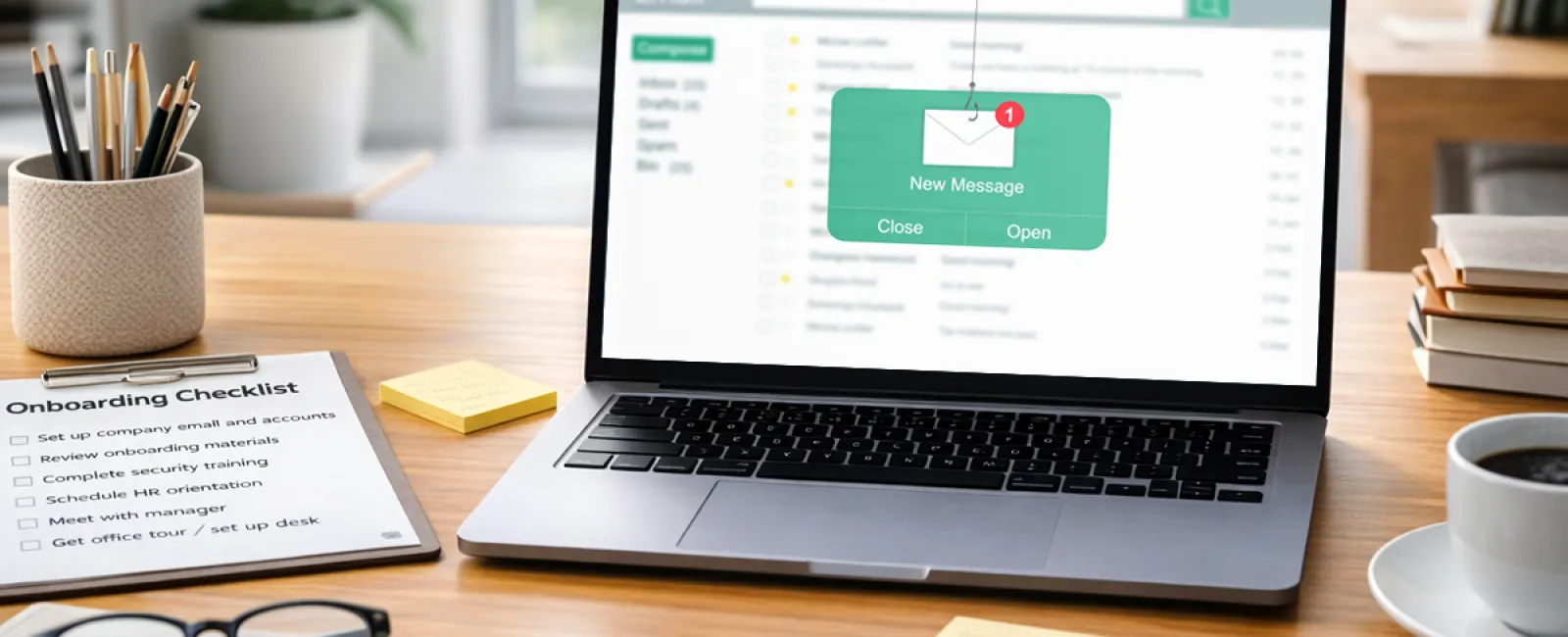
Picture this. Your newest hire
has been on the job for 4 days. An email lands in their inbox from the CEO. The
name checks out. The tone feels right. The signature looks familiar.
"Hey, can you help me with
something real quick? I'm stuck in meetings all day. Need you to handle a
vendor payment. I'll fill you in later."
The new employee hesitates.
They don't know what's normal yet. They don't want to be the person who pushes
back on the CEO during their first week. So they help.
And the money is gone.
Why new hires are the biggest targets
Every spring and summer,
businesses bring on fresh talent. Recent graduates. Summer interns. First-time
professionals. For your company, it's onboarding season. For attackers, it's
open season.
Keepnet Labs' 2025 New Hires
Phishing Susceptibility Report found that CEO impersonation emails are 45%
more effective against new hires than against experienced staff. That same
report showed new employees are 44% more susceptible to phishing overall
compared to tenured workers.
Cybercriminals don't target
your most experienced people. They hunt the ones who haven't built instincts
yet. A new hire doesn't know how the CEO typically writes. They can't tell a
routine request from a suspicious one. They're operating in a fog of unfamiliarity,
and attackers exploit that gap before it closes.
Here's what makes it worse: the
employee who falls for it isn't careless. They're trying to make a good
impression. They want to be helpful. If you manage a team, you probably already
know exactly who would respond first.
The real problem starts before the phishing email arrives
Think about the typical first
day at your company. The laptop wasn't ready on time. Access permissions were
still being sorted out. The new hire borrowed a coworker's login to check
something. They saved a file to their desktop because they couldn't reach the
shared drive. They pulled up a client number on their personal phone because it
was faster.
None of that felt risky. It
felt like getting things done on a messy first day.
But look at what happened.
Shared credentials created accounts nobody tracked. Files landed outside your
backup systems. A personal device touched business data. And nobody told the
new person what to do when something felt off.
When onboarding is improvised,
security becomes optional by default. That 44% susceptibility gap from the
Keepnet data doesn't come from people being reckless. It comes from the chaos
of week 1. The phishing email didn't create vulnerability. The broken first day
did.
What a secure first day actually looks like
You don't need a 2-hour
security lecture on day 1. You need 3 things locked down before the new hire
walks through the door.
1. Access is configured, not improvised.
The laptop is ready. Credentials are created. Permissions are
set. No borrowed logins. No "we'll sort it out later." No temporary workarounds
that become permanent habits.
2. The new hire knows what normal looks like.
This takes 10 minutes. Does the CEO ever email about
payments? What should they do if a request feels wrong? This isn't formal
training. It's basic orientation that closes the biggest gap.
3. They have someone to ask.
The employee who hesitated before clicking that email probably would have
asked someone if they'd known who to go to. Most first-week mistakes happen
quietly because new hires don't want to look inexperienced. Give them a person
and a process.
Most security mistakes don't
happen when someone ignores the rules. They happen when someone doesn't know
the rules exist.
How we build security into every onboarding
At Framework IT, we see this
pattern repeat itself with businesses of all sizes. A company brings someone
on, the first day is hectic, and security is the thing that slips through the
cracks. We've built our onboarding process to prevent that.
When one of our partners hires
a new employee, we handle the full provisioning: device configuration, account
creation, permissions, security software deployment, and policy application.
The goal is for everything to be ready and tested before the new hire's first
morning, so there's no scrambling and no improvised workarounds.
Here's what that new hire's
machine looks like when they open the lid:
SentinelOne endpoint
detection is already running. It uses AI-driven behavioral analysis to
catch threats that traditional antivirus misses, quarantining suspicious
activity before damage spreads.
Multi-Factor Authentication
(MFA) is enforced from the start. It's part of every managed services
agreement we have. Not an add-on. Not optional. If that new hire's password
gets compromised through a phishing attack, the attacker still can't get in
without the second factor.
Mimecast email security
is filtering their inbox before they ever see a message. It blocks phishing
attempts, spoofed emails, malware, and business email compromise attacks at the
gateway.
BlackPoint Cyber's SOC
is monitoring 24/7/365. Nights, weekends, holidays. If something suspicious
happens on that new hire's device or their Microsoft 365 account, the SOC
catches it, isolates it, and responds within minutes.
KnowBe4 security awareness
training gets assigned right away. It includes ongoing mock phishing
campaigns that simulate real-world attacks. The new hire starts building
pattern recognition from their first week instead of learning the hard way
months later.
After go-live, we verify all
security tools are installed, documentation is complete, and the new employee's
environment is fully functional. That's the difference between treating
onboarding as a checklist item and treating it as a security event.
The layers that protect the mistakes people still make
Even with solid onboarding,
people will click things they shouldn't. That's just reality. The goal isn't to
eliminate human error. It's to make sure human error doesn't turn into a
business disaster.
Think about how a phishing
attack actually plays out with these layers in place. Mimecast blocks the email
before it hits the inbox. If it gets through, the trained employee recognizes
it and reports it. If they click the link and enter their password, MFA stops
the attacker from accessing the account. If the account is somehow compromised,
cloud monitoring flags the suspicious login and locks it. And the SOC
investigates the incident, isolates affected devices, and walks the team
through remediation.
No single tool stops every
attack. But when each layer covers for the one before it, an attacker has to
beat all of them to cause real damage. That's what layered defense actually
means in practice.
There's a financial benefit
here too. Our cybersecurity stack meets the requirements of over 97% of cyber
liability insurance policies. Partners who have these controls in place
typically see 20-40% lower premiums. In many cases, those savings offset a meaningful
portion of the managed services fee itself.
Start the conversation before that Tuesday email arrives
Maybe your onboarding process
is already buttoned up. Maybe your team is small enough that first days feel
more personal than procedural. But if you've ever had a new hire piece together
their first week on their own, or if you're planning to bring someone on this
spring, it's worth thinking about what happens before that Tuesday email lands.
Book a
meeting to talk about how your onboarding process handles security.
And if you know a business owner who's about to bring on new
staff, send this their way. The best time to close the security gap is before
anyone walks through the door.
About the Author
Adam Barney is President and
Managing Partner of Framework IT, a Chicago-based managed IT services firm he's
helped lead for more than 15 years. He and his team of 40+ professionals
specialize in IT support, strategy, and cybersecurity for small and mid-sized
businesses. Adam's insights on business technology have been featured in the
Harvard Business Review, the Washington Post, and Fox 32 Chicago.