Storage and Server Upgrade Services

Say goodbye to outdated physical hardware with Framework IT's server and storage upgrade services.

Schedule A Consultation Call Today


Transform Your IT Environment With Our Storage and Server Upgrades

Our Virtualization Solutions Set You Up for Seamless Managed IT

By virtualizing your storage and servers, you can not only optimize your IT environment, but also enable our team to more effectively manage your technology needs. Our virtualization platform allows us to managed your server and storage environment more efficiently, from configuration issues to disaster recovery. This approach improves your overall productivity, efficiency, and business security.

Partner With the Experts for Leading Upgrade Services

With over 70 unique certifications and decades of collective IT experience, our expert team ensures a seamless transition to cutting-edge, cloud-based technology. No matter your storage or server upgrade needs, you can count on our team for proven solutions that propel your business into the digital age.
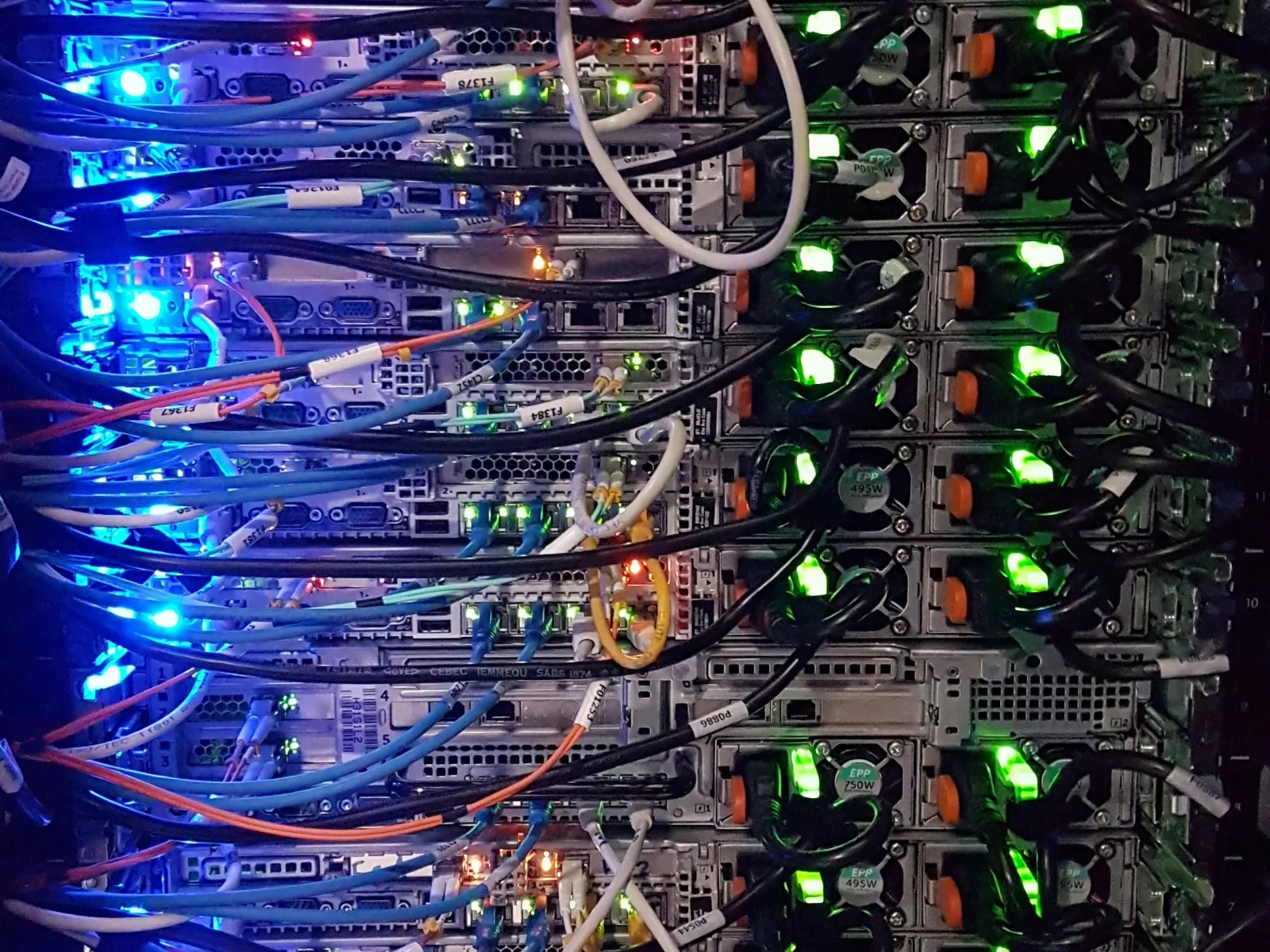
Data center server rack with connected cables and glowing blue and green indicator lights in a network hub.

Upgrade Your Servers and Storage With Robust Virtualization Solutions

Understand and Align Your Network

Our vCIOs help you understand, plan, and budget for technology expenses and network upgrade projects, ensuring that your network supports your current and future needs.

Enhance Productivity

Our Business Optimization Process reduces networking issues by over 40% and improves resolution times by 30%. This allows your team to concentrate on core business functions without being hindered by technical disruptions.

Strengthen Your Security Posture

By eliminating security gaps, minimizing risks, and implementing robust, up-to-date security measures, our network infrastructure solutions safeguard your sensitive data and help you maintain a trustworthy digital presence.

Experience Peace of Mind

We help you understand the value of network upgrades and solutions, offering confidence and peace of mind in your technology decisions. Our goal is to ensure you can make informed choices regarding your IT investments.

Close-up of illuminated blue server racks with glowing LED lights in a data center environment.

Elevate Your IT Infrastructure With a Comprehensive Server Upgrade

With Framework IT's robust storage and server upgrades, you can elevate your server and storage infrastructure and position your business for ongoing success in the digital age. Contact our team to enhance your IT infrastructure, ensure optimal performance, and align your technology with your growing business needs.
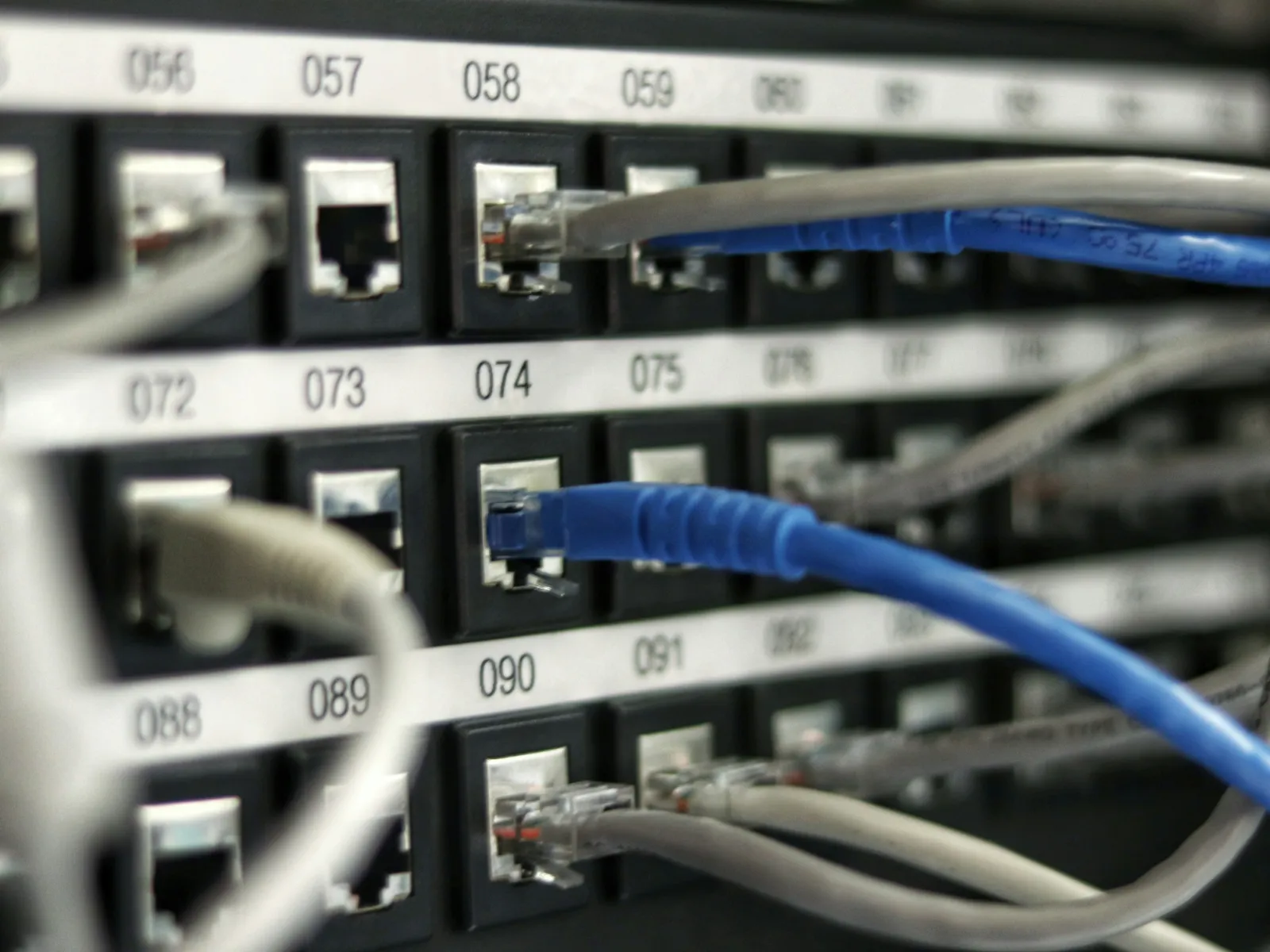
Close-up of network cables plugged into numbered Ethernet ports on a patch panel for data connectivity.

Our Upgrade Services Align Your Technology With Your Growing Business Needs

Our upgrade services go beyond technology enhancement—they align your servers, storage, and applications with your evolving business needs. Our comprehensive approach involves understanding and optimizing your architecture, planning for future upgrades, and ensuring cybersecurity. With our Business Optimization Process, we reduce issues, boost resolution times, and empower your team to focus on business growth confidently.

Frequently Asked Questions About Server and Storage Upgrades

Q What's involved in a server and storage upgrade project?

A
A server and storage upgrade is a scoped project that replaces aging hardware or shifts workloads onto newer physical or virtualized systems. It typically moves through assessing the current environment, planning and budgeting, designing the target setup, migrating data and applications, and validating the result. It's defined work with a clear start and finish, not open-ended maintenance.

Q What are the warning signs that a business needs to upgrade its servers or storage?

A
The clearest signs are hardware that's out of warranty or running an operating system nearing end of support, servers that slow down under normal workloads, storage that stays near capacity, and rising hardware-related outages or repair tickets. Failed drives, frequent performance complaints, and applications that no longer run well on current hardware also point to an upgrade. A lifecycle review confirms what's actually at risk.

Q What happens if you keep running an end-of-life or unsupported server?

A
Running an unsupported server means no more security patches, so known vulnerabilities stay open and become easy targets. You also lose vendor support, risk compatibility problems with newer software, and often fall out of compliance or cyber-insurance requirements that mandate supported systems. Aging hardware fails more often too, raising the odds of unplanned downtime and data loss.

Q Should a business replace its on-premise servers or move to the cloud?

A
It depends on the workload, budget model, and how the business expects to grow. Replacing on-premise servers can suit predictable, latency-sensitive, or heavily regulated workloads, while moving to the cloud trades upfront hardware cost for a monthly operating expense and easier scaling. Many businesses land on a mix. The right call comes from assessing actual usage, not a default preference. Framework IT plans both paths as part of its server and storage upgrade projects, so the decision fits the business rather than the vendor.

Q What's the difference between buying new physical servers and virtualizing them?

A
Buying new physical servers means one operating system and workload per box. Virtualizing runs several independent virtual servers on shared hardware, so you use capacity more efficiently, add or resize servers faster, and simplify backup and recovery. Physical servers can still suit specific high-performance or licensing needs, but virtualization usually gets more out of the same hardware investment. Framework IT uses virtualization in its upgrade projects to make the environment easier to manage and recover.

Q How can a business upgrade its servers with minimal downtime?

A
Minimal downtime comes from planning, not luck. Providers typically build and test the new environment alongside the old one, migrate data in stages, and schedule the final cutover for off-hours or a weekend. Temporary virtualized servers can keep operations running while hardware is swapped, and a tested backup gives a fallback if something goes wrong. Clear rollback steps matter as much as the migration.

Q How do you move data to new servers or storage without losing it?

A
Safe data migration starts with a full, verified backup before anything moves. From there, providers copy data to the new system, confirm that files, permissions, and applications came across intact, and run the old and new systems in parallel until the new one is proven good. Verifying the backup can actually restore, not just that it ran, is the step that prevents surprises.

Q How do you know when a business has outgrown its current storage?

A
The usual signals are drives that stay near capacity, slower file access, backups that take longer to finish, frequent "out of space" errors, and teams stashing files in scattered locations to work around limits. Rapid data growth, new applications, or added staff also push storage past its limit. A capacity review shows how fast you're growing and when you'll run out. Framework IT builds capacity planning into its storage upgrade projects so the next upgrade is scheduled, not scrambled.

Q How much does a server and storage upgrade cost?

A
There's no single price, because cost depends on how many servers you're replacing, how much storage you need, whether you go physical or virtual, and how much data has to migrate. Upgrades are usually scoped as a one-time project, with hardware quoted separately from the labor to plan, install, and migrate. Ongoing management, if you add it, is billed separately on a recurring basis.

Q Should a small business handle a server upgrade in-house or hire an IT provider?

A
It comes down to in-house expertise, time, and risk tolerance. A server upgrade touches data, security, and downtime all at once, so a mistake is expensive to undo. Businesses with a capable IT team may handle routine upgrades internally, but many bring in a provider for planning, migration, and rollback so daily operations keep running. The higher the stakes, the stronger the case for outside help. Framework IT handles server and storage upgrades as managed projects, from planning through cutover.

Q How do I choose a server and storage upgrade provider in the Chicago area?

A
Look for a provider that assesses your current environment before recommending hardware, plans the migration to limit downtime, and can support the servers after the upgrade rather than walking away at cutover. Ask how they protect data during the move, whether they handle both physical and cloud options, and how they scope and quote the project. Local providers can also handle on-site work when installation needs hands-on attention. Framework IT provides server and storage upgrade projects for businesses across the Chicago area.

Q How much does a server and storage upgrade cost for a business in Chicago?

A
Location doesn't set the price. Cost depends on how many servers and how much storage you're upgrading, whether the setup is physical or virtual, and how much data has to migrate. Chicago-area businesses are typically quoted the hardware separately from the project labor to plan, install, and move everything. A provider should scope the work to your environment before quoting a number.