Imagine being three hours into a five-hour holiday drive to see family when your daughter asks, "Can I play Roblox on your laptop?" Not just any laptop - your work laptop, packed with client files, sensitive financial details, and full access to your business. You're tired from packing, still have three hours ahead, and honestly, keeping her entertained seems like a good idea. What could possibly go wrong?
Holiday travel brings unique security challenges that don't arise in your everyday routine. Distractions, fatigue, unknown WiFi networks, and blended family-work moments create risks. Whether your trip is for business, pleasure, or both, here's how to safeguard your data and keep the holiday spirit intact.
Quick Pre-Trip Security Checklist (15 Minutes Before You Go)
Spend just 15 minutes prepping your devices to dodge common pitfalls:
Essential Device Steps:
- Update all software and security patches
- Back up crucial files to the cloud
- Set your screen to lock automatically within 2 minutes
- Enable "Find My Device" on all phones and laptops
- Charge your portable power bank fully
- Bring your own charging cables and adapters
Discuss Device Use With Your Family:
- Clarify which devices are safe for kids to use and which are off limits
- Provide a family iPad or separate entertainment device
- Create guest or limited-permission accounts if kids need to use your laptop
Pro tip: If children want screen time on the road, bring a tablet unlinked to your work accounts — a $150 iPad beats a costly data breach any day.
Hotel WiFi: Avoid the Common Pitfalls
Everyone connects their devices to the hotel WiFi the moment you arrive — phones, tablets, laptops, even gaming consoles. While your kid streams cartoons and your spouse checks email, you're scrambling to finish that proposal before your meeting.
The catch: Hotel networks are public, shared with many guests, some of whom may exploit vulnerabilities.
True story: A family unknowingly joined a bogus WiFi network imitating the hotel's. For 48 hours, every online action, from passwords to credit card info, was captured by cybercriminals.
How to Protect Yourself:
Confirm the network name: Always verify with the front desk — don't guess.
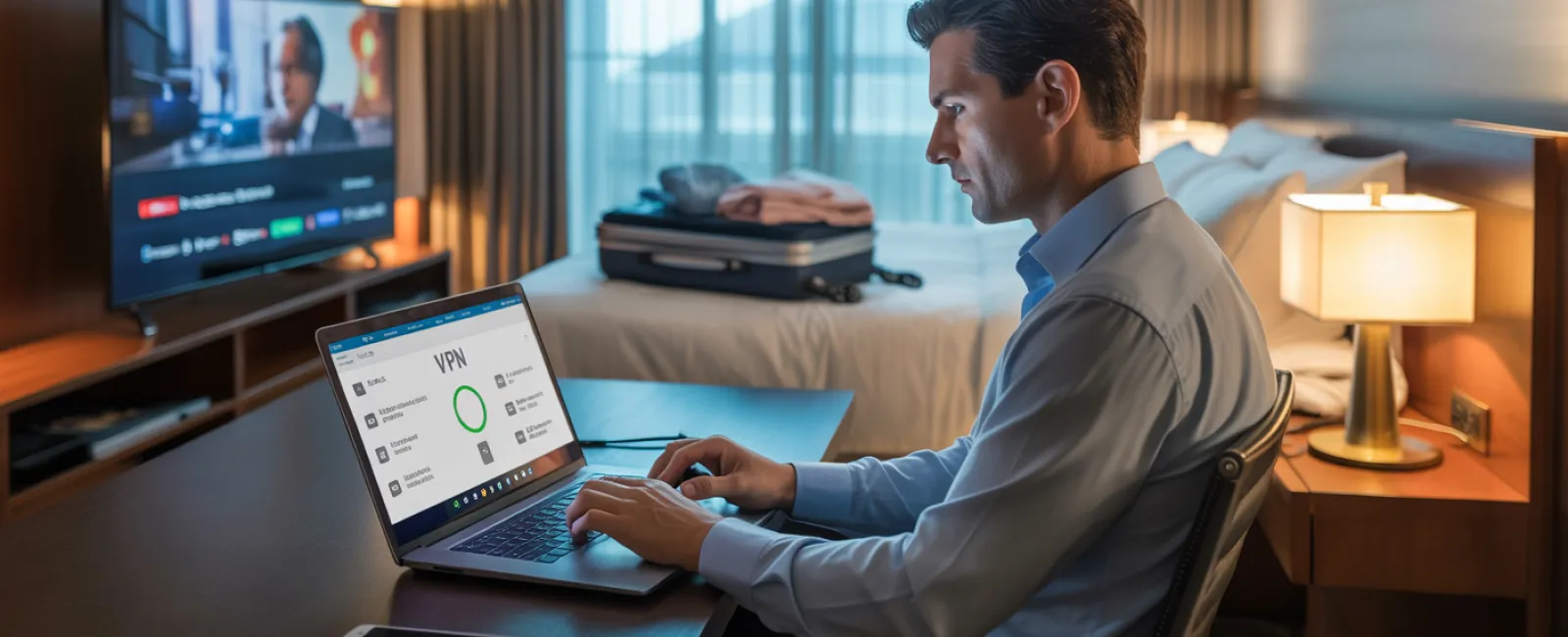
Use a VPN for work: Encrypt your data when accessing company emails or files.
Prefer your phone's hotspot for sensitive tasks: Banking and client data are safest through your mobile data, not hotel WiFi.
Separate work and leisure: Kids can stream using hotel WiFi, but reserve sensitive work access for your secure hotspot.
The "Can I Use Your Laptop?" Dilemma
Your work device holds emails, bank details, client files, and business tools, but your kids want to use it for games, videos, or chats.
Why it's risky: Kids may inadvertently download malware, click on dangerous pop-ups, share passwords, or forget to log out. It's innocent fun — but on your work laptop, it's a significant security threat.
The Fix:
Say no to sharing work devices: Explain firmly, "This is for work only; here's a different device you can use." Consistency is key.
If sharing is unavoidable:
- Set up a restricted user account
- Monitor their activity closely
- Prevent any downloads
- Never save their passwords
- Clear all browsing history after use
Better yet: Bring a dedicated device just for family travel — even an older tablet or laptop with no access to work accounts keeps your business safe.
Streaming on Hotel TVs and the Logout Oversight
Your family wants to watch Netflix in the hotel room. Someone logs into your account on the smart TV, but you forget to log out when you check out.
Risk: The next guest could access your Netflix and potentially other accounts if you've reused passwords.
Smart Solutions:
- Use your personal device to cast content to the TV
- Set reminders to log out before checkout if you use the TV's apps
- Download shows beforehand and watch offline to avoid TV logins altogether
Avoid logging into these on hotel TVs:
- Banking apps
- Work-related accounts
- Email
- Social media
- Any services with saved payment info
When a Device Gets Lost or Stolen
Travel can be hectic — phones or laptops may be left behind in airports, rental cars, or hotels. If your device is lost…
Act Fast (Within the First Hour):
- Use "Find My Device" to locate it immediately
- If retrieval isn't possible, remotely lock it
- Change critical account passwords from another device
- Contact your IT or managed service provider to disable company access
- Inform any affected clients if sensitive data was stored
Must-Have Pre-Trip Device Protections:
- Enabled remote tracking
- Strong password or biometric security
- Automatic data encryption
- Ability to remotely wipe data
Family member's device lost? Follow the same steps: lock remotely, change passwords, and track if possible.
The Data Risk with Rental Cars
When your phone pairs with a rental car's Bluetooth, it can upload your contacts, call history, and even message previews. Often, this data remains accessible to the next driver after you return the car.
Quick Steps to Take Before Returning the Car:
- Remove your phone from the car's Bluetooth settings
- Clear recent GPS destinations
- Or better yet, use an aux cable or avoid pairing your device entirely
Balancing Work and Family During Your Vacation
You promised quality family time but find yourself checking emails repeatedly, taking impromptu calls, and working while others enjoy activities.
This juggling act diminishes security vigilance and raises your risk of mishaps like clicking phishing links or joining unsafe networks.
Honest advice: If unplugging completely isn't an option, set firm limits:
- Check work emails only twice daily at predetermined times
- Always use your phone's hotspot instead of hotel WiFi for work
- Work in your room away from public view
- Be fully present during family time — no multitasking
Ultimately, the best move is to take a real break. Your business can survive a week offline, and you'll return more alert and secure.
Adopting a Security Mindset for Holiday Travel
Reality check: Balancing work and family during holiday travel isn't perfect. Sometimes you must let your kid use your laptop. Sometimes urgent work emails need attention during the trip.
The key isn't perfection — it's being deliberate about managing risk:
- Prepare your devices thoroughly before departure
- Recognize risky activities (e.g., banking on public WiFi) vs. safer ones (using secure hotspots)
- Keep work and family activities separated when possible
- Have a clear plan for when problems arise
- Know when to say "Not on this device" and stick to it
Make This Holiday Season Safe and Stress-Free
The holidays are for enjoying the company of loved ones, not dealing with a security breach or explaining leaked client data.
With a little preparation and smart habits, you can protect your business without spoiling the vacation vibe. Your family enjoys their holiday, your business stays secure — it's a win-win.
Need expert help setting up travel security protocols for your team and yourself? Click here or call us at 312-564-5446 to schedule a free Initial Consultation. We'll create practical policies that protect your business while keeping travel hassle-free.
Because the best holiday memories shouldn't be "Remember when Dad's laptop got hacked?"