
How To Check for Software Conflicts on a Computer
Content
How To Check for Software Conflicts on a Computer
How To Check for Software Conflicts on a Computer
Overview
Software conflicts on a computer can cause crashes, freezes, errors, slow performance, and potential harm to the stability and security of the system. Conflicts can make it difficult or impossible to use certain programs, leading to decreased productivity and possible data loss or corruption.
To check for software conflicts on a computer, you can use the following methods:
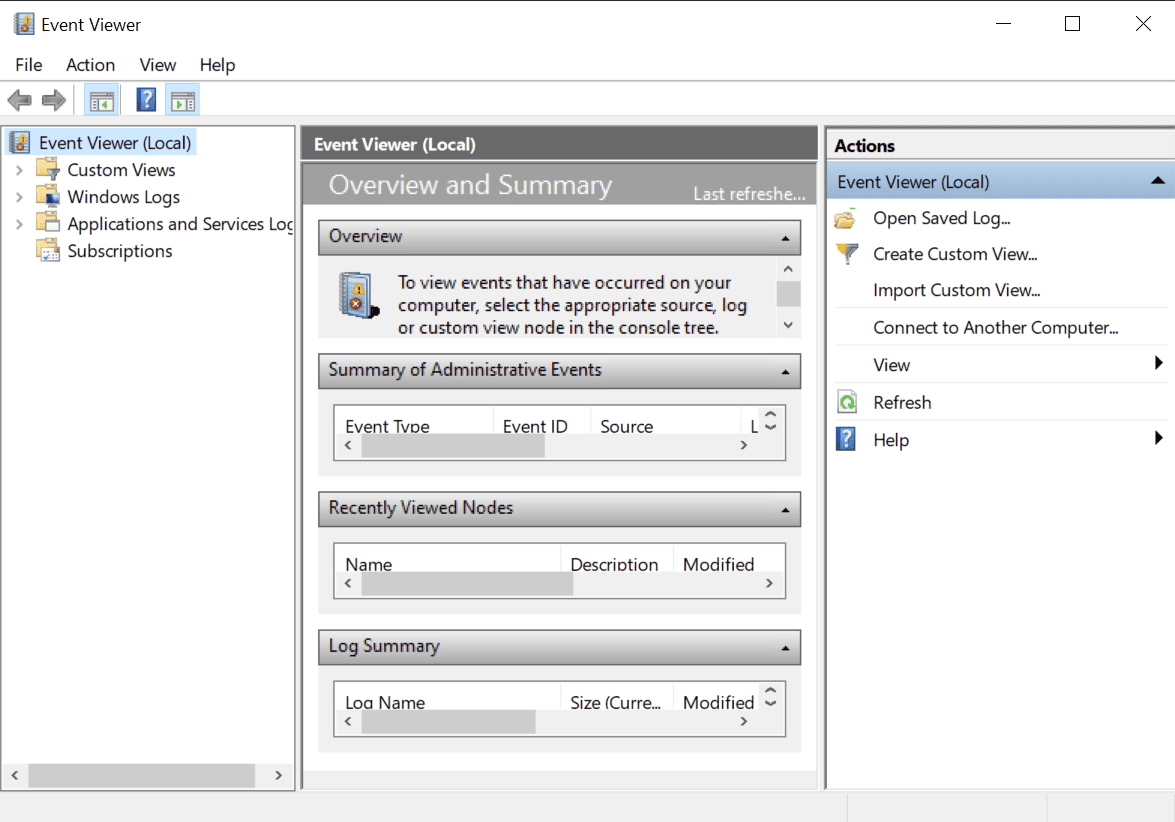
- Using the Event Viewer: Open the Event Viewer (Start menu > type "event viewer" and select it) and look for error messages related to software conflicts. These messages will often contain information about the conflicting software and can help you identify the source of the conflict.
- Using the System Configuration: Open the System Configuration (Start menu > type "msconfig" and select it) and go to the "Startup" tab. Here, you can see which programs are set to start when the computer boots up. You can deselect programs that you suspect may be causing a conflict and restart your computer to see if the problem is resolved.
- Using the Task Manager: Open the Task Manager (Ctrl + Shift + Esc) and go to the "Processes" tab. Here, you can see which processes are running and their CPU, memory, and disk usage. If you notice a process using an unusual amount of resources, it may be causing a conflict with other software.
- Using a third-party tool: Third-party tools can scan your computer for software conflicts and provide detailed information about the conflicting software. Some examples include Autoruns, Process Explorer, and Process Monitor.
Checking for software conflicts is essential because they cause performance issues, instability, and security vulnerabilities. Identifying and resolving software conflicts can improve the performance and stability of your computer, as well as fix known bugs and issues. When checking for software conflicts, it's essential to consider the software running simultaneously and to be cautious of any program or process that you don't recognize or seem to be causing a problem.